
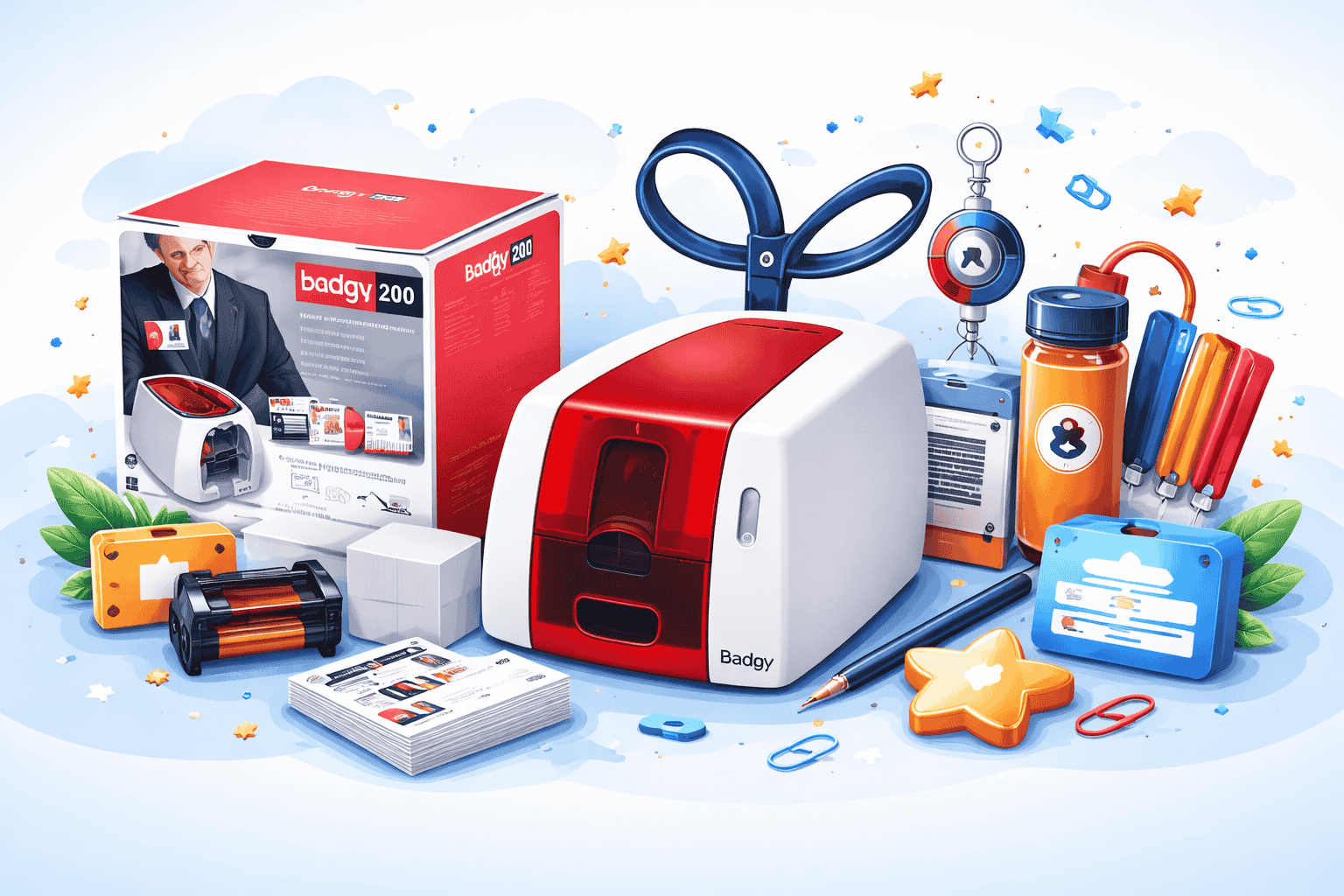
When you are investing in a badge card printer, you are actually opening your door to a professional world. Be it creating membership passes, loyalty badges, ID cards or something else, you can create everything right from your desk with these badgy card printers.
However, nothing happens simply by owning the printer. All the magic happens when you start working with it. The way you combine the colours, layouts and elements will all determine how you print the cards. It will also leave behind a long-lasting impression.
In this guide, we will take you through the importance of creating high impact card designs that not just looks great but also matches with your badgy printer.
What is the purpose of having a badgy printer?
Before you bring a printer or print the cards, ask yourself: What is the purpose of it?
A student identity card will have different designs, elements and tone than a VIP club card. A conference badge should have clear names and events mentioned, whereas a gift card should evoke excitement and brand personality.
If you know the purpose, it will help you:
- Select the right colours and fonts.
- Decide on the details that are essential.
- Ensure that your design is functional and not just beautiful.
For example:
- Staff ID cards focus on legibility, security features and brand alignment.
- Membership cards add emotional value through colours, imagery and an exclusive feel.
Keep consistent branding
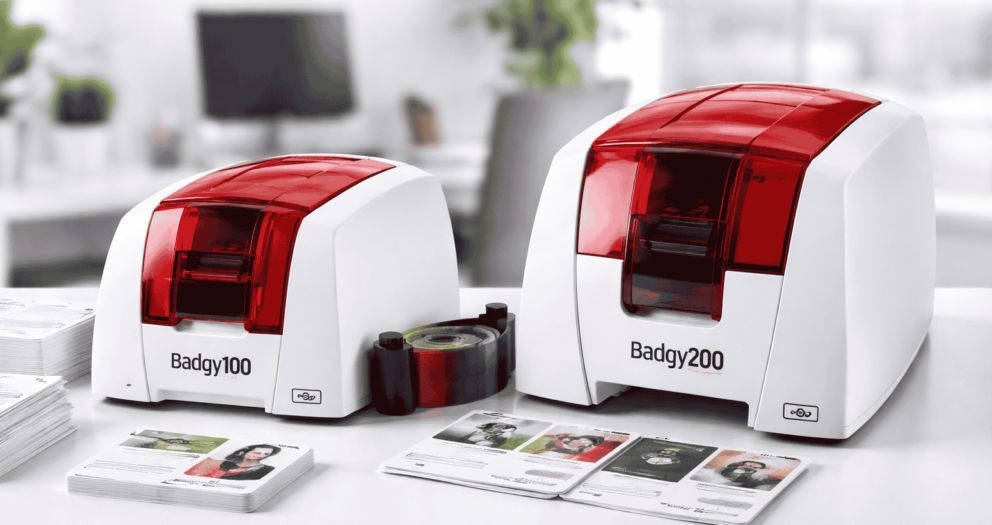
Having a card means having an extension of your brand. Use the brand colours, brand design and logo consistently to make the card instantly recognisable. Here is where a badgy 100 plastic card printer comes to your purpose.
- Place the logo carefully. Keep it visible, but don’t make it overwhelming.
- Match the brand palette properly to maintain trust and familiarity.
- Use no more than two complementary fonts for a better look.
In the case of a high-quality printer, the brand colour pops even more. Therefore, take advantage by using rich tones and gradients.
Balance the functionality and design of the Printer.
A beautiful card that is difficult to read is not effective for any business. So, make sure that you consider the hierarchy of the information.
- Primary info must include name, photo and title or value.
- Secondary info should have the company name, contact details and expiry date.
- Security features should have QR codes, barcodes, and scanners.
Make sure that while you are printing a card, the most important details stand out from the rest. For example, when you are printing an event badge, the attendee’s name should be larger than the logo itself.
Make sure to choose quality images.
The best quality Badgy card printers can handle the full colour images beautifully. But you have to feed quality files to the printer.
- Use higher resolution photos with a minimum dpi of 300.
- Avoid using pixelated or stretched images.
- Ensure that the portraits are clear and well-lit.
When you are printing staff IDs, make sure to use consistent background colours so that your card looks unified and professional.
Leverage colour psychology into the card
Colour has a powerful impact on perception:
- Blue defines trust and reliability.
- Red defines energy and urgency.
- Green defines growth and freshness.
- Black and Gold define luxury and exclusivity.
Think about the feeling that you want to evoke in your card. The superior print definition of the badgy 200 printers can make these colours more vibrant and richer.
Add your Personalisation Thoughtfully
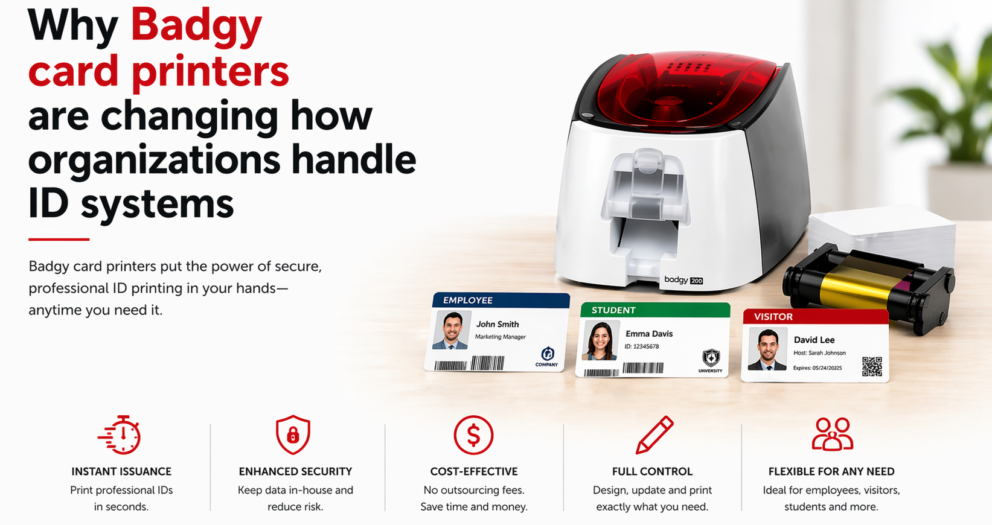
One of the biggest advantages of having a badgy printer is the ability to personalise a new card. Whether it is the name, a photo or a unique QR code, personalisation makes the card more unique and valuable.
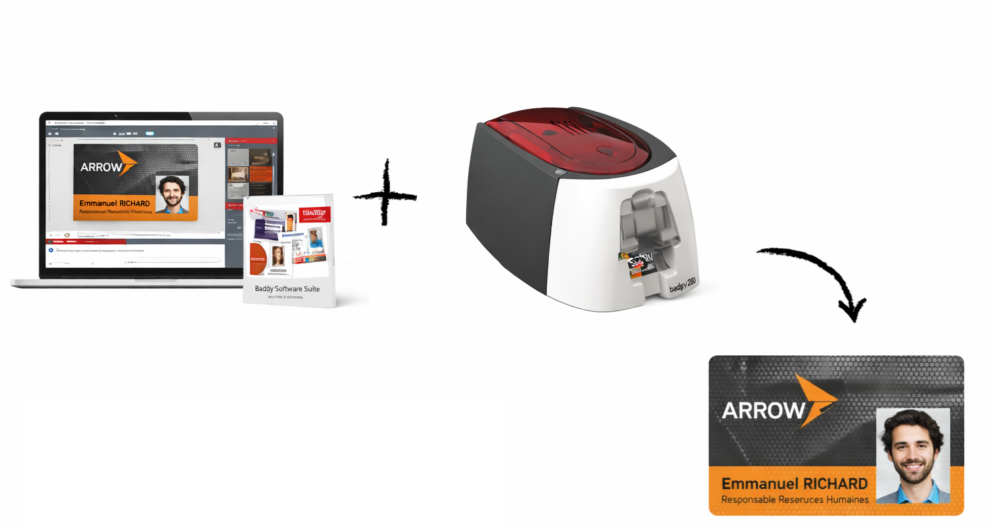
Having badgy software gives you an option to import data from the spreadsheets and merge them into the designs. These are perfect for printing a batch of conference badges and membership cards with unique details.
Conclusion
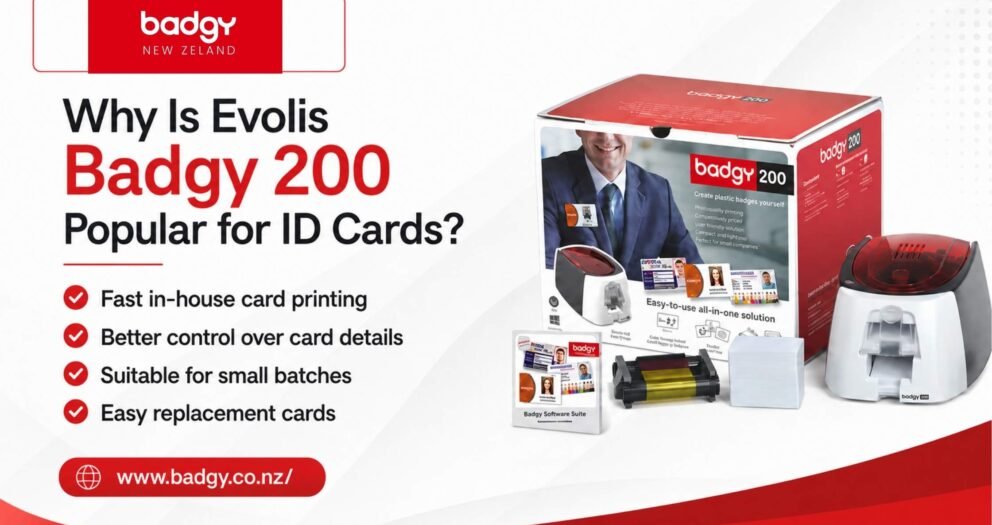
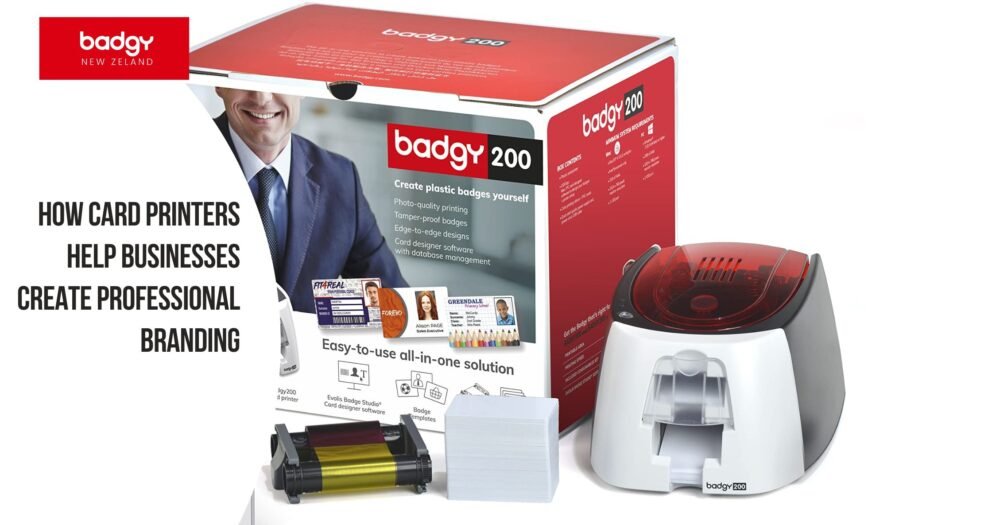
Creating high-impact card designs does not just mean creating them pretty. It is also about designing functional, brand-aligned and memorable pieces that people will use and remember. A badgy 200 plastic card printer will give you the flexibility to design and print professional cards in-house. It also gives you total control and instant results.
If you follow the tips above carefully, you can easily choose the card and badge printer that best suits your needs. Badgy NZ makes card printing easy by offering effective card printers at no cost, helping you fulfill all your printing requirements hassle-free.
Write a comment
Your email address will not be published. All fields are required