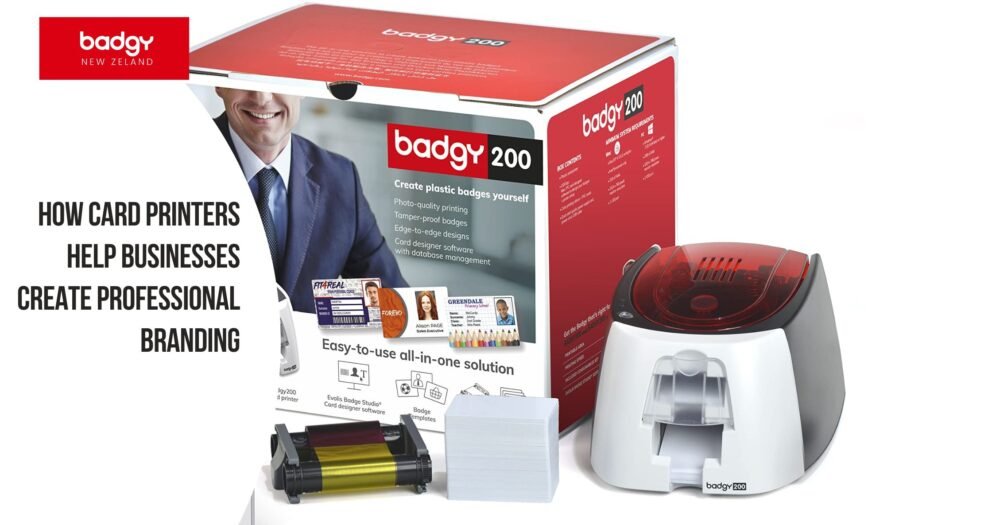
How Card Printers Help Businesses Create Professional Branding
In today’s competitive market, businesses need more than just a logo to stand out—they need a consistent and professional brand presence across every touchpoint. While digital branding plays a major role, physical branding tools remain equally important.
One of the most effective ways to strengthen your business image is through the use of card printers. From employee ID cards to custom badges and event passes, card printers help businesses create a polished and professional identity.
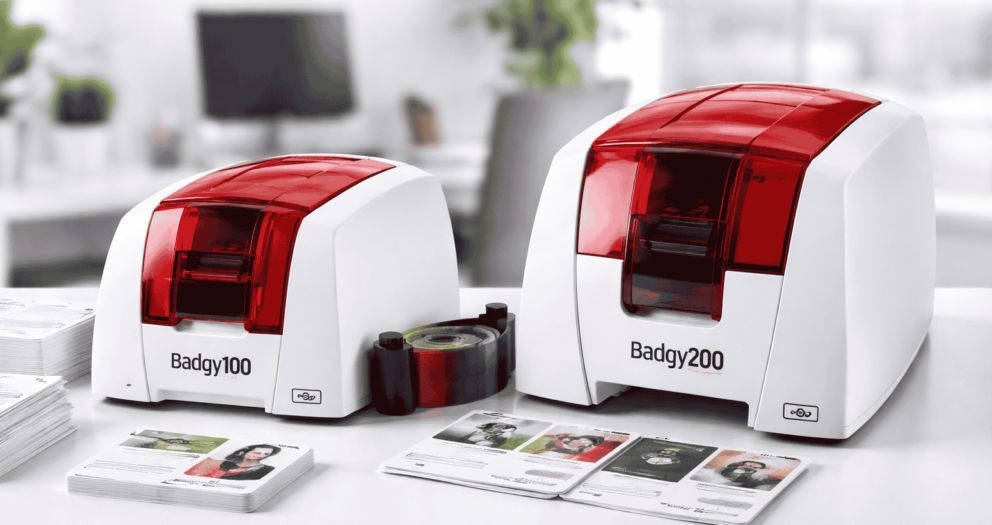
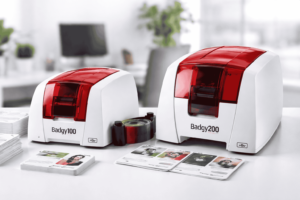
If you’re looking to improve your brand visibility and internal organisation, investing in the right solution—like a badgy card printer—can make a significant difference.
Why Professional Branding Matters
Professional branding is about creating trust, recognition, and consistency. When your business looks organised and well-presented, customers are more likely to engage with you. Strong branding helps:- Build customer confidence
- Improve employee professionalism
- Enhance brand recognition
- Create better customer experiences
What Are Card Printers?
Card printers are specialised machines designed to produce high-quality, durable cards such as:- Employee ID cards
- Name badges
- Membership cards
- Access cards
- Event passes
Key Benefits of Using Card Printers for Branding
1. Creates a Professional First Impression
When employees wear well-designed ID cards, it immediately enhances your company’s image. A professionally printed card using a badgy printer reflects credibility and attention to detail.2. Ensures Brand Consistency
Card printers allow businesses to maintain consistent branding across all materials. From logos to colours, everything stays aligned with your brand identity.3. Improves Customer Trust
Customers feel more comfortable interacting with staff who are clearly identified. ID cards help build trust and make communication easier.4. Cost-Effective In-House Printing
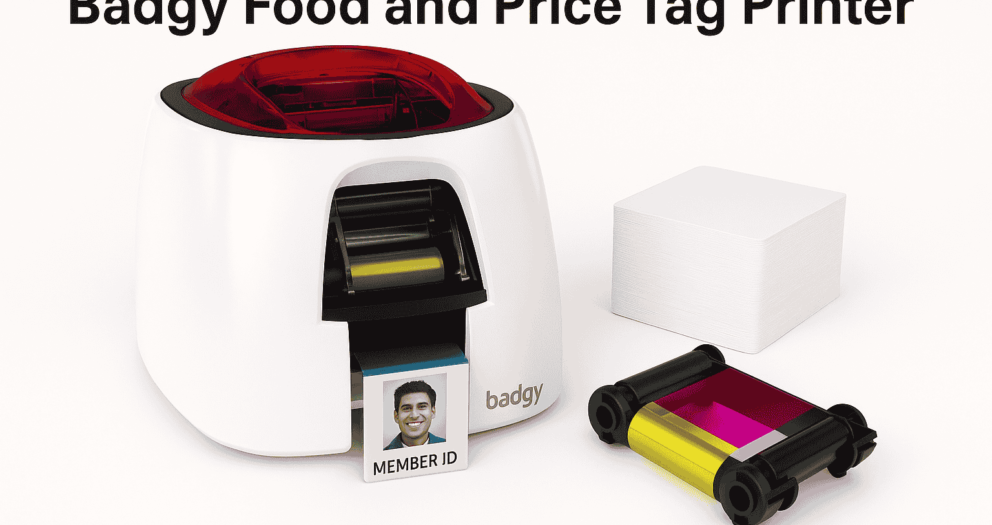
Instead of outsourcing, businesses can use a badgy card printer to produce cards instantly. This reduces long-term costs and gives full control over design and updates.5. Flexible for Events and Temporary Needs
Whether it’s a corporate event or temporary staff, card printers allow you to create customised badges quickly, ensuring consistent branding at all times.6. Enhances Security and Organisation
ID cards help identify employees and control access within your organisation. This improves both security and operational efficiency.Our Product and Service Range
At Badgy New Zealand, we provide complete solutions for businesses looking to create professional branding through card printing.Card Printers
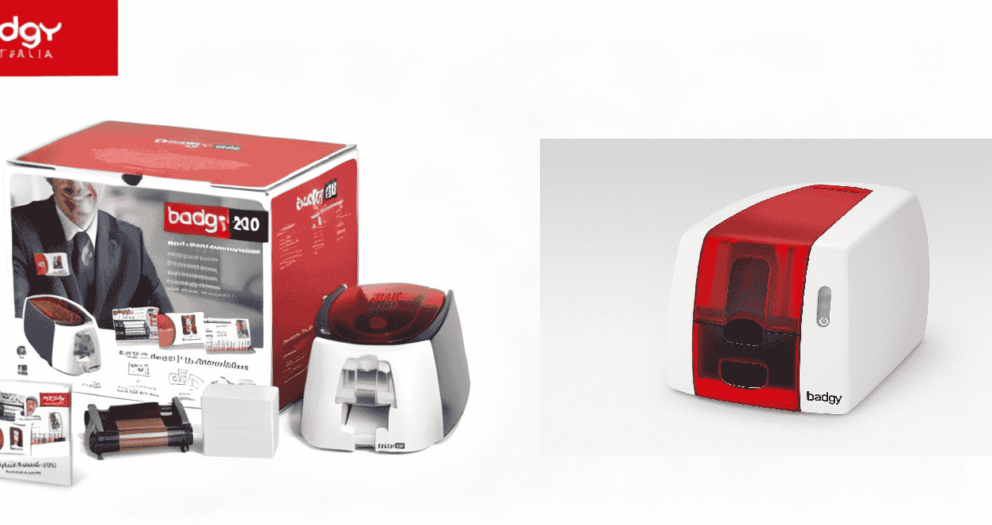
We offer reliable and easy-to-use solutions like the badgy card printer, designed for:Badgy Card Printer
- Small to medium businesses
- Offices and organisations
- Schools and institutions
ID Card Printing Solutions
Our systems allow you to create:- Employee ID cards
- Staff name badges
- Visitor passes
- Membership cards
Custom Badge Solutions
We also support businesses with:- Branded badge design
- Custom layouts
- Professional printing output
Supplies and Accessories
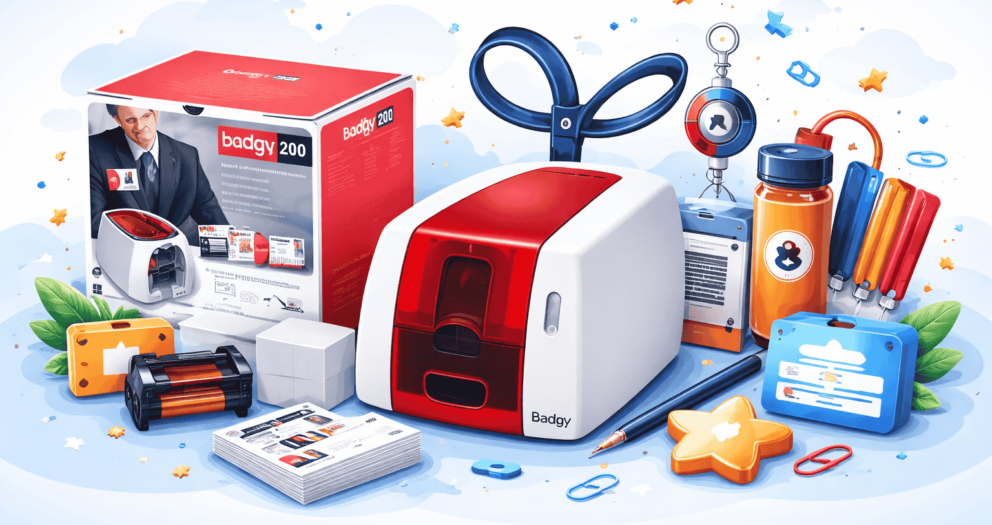
We provide everything you need to keep your printing running smoothly:- Blank cards
- Printer ribbons
- Software support
Why Choose Badgy New Zealand
Choosing the right partner is just as important as choosing the right product. Here’s why businesses across New Zealand trust Badgy:- Easy-to-use technology that requires no technical expertise
- Cost-effective solutions for growing businesses
- Fast, on-demand printing without delays
- High-quality, durable card output
- Scalable solutions for businesses, schools, and events
Real-World Use Cases
Businesses
- Employee ID cards
- Staff badges
- Visitor management
Events
- Conference badges
- Event passes
- Staff identification
Schools and Institutions
- Student ID cards
- Staff badges
- Access cards
Practical Tips for Better Branding
To get the best results from your card printer:- Keep designs clean and easy to read
- Use consistent brand colours and fonts
- Include only essential information
- Update cards regularly
- Use a reliable solution like a badgy id card printer